For creative and production
From a brand’s website to a board-ready design.
Gabie pulls the brand, and Studio designs at the face’s exact size. The advertiser sees it on the face. Then one version goes out for approval.
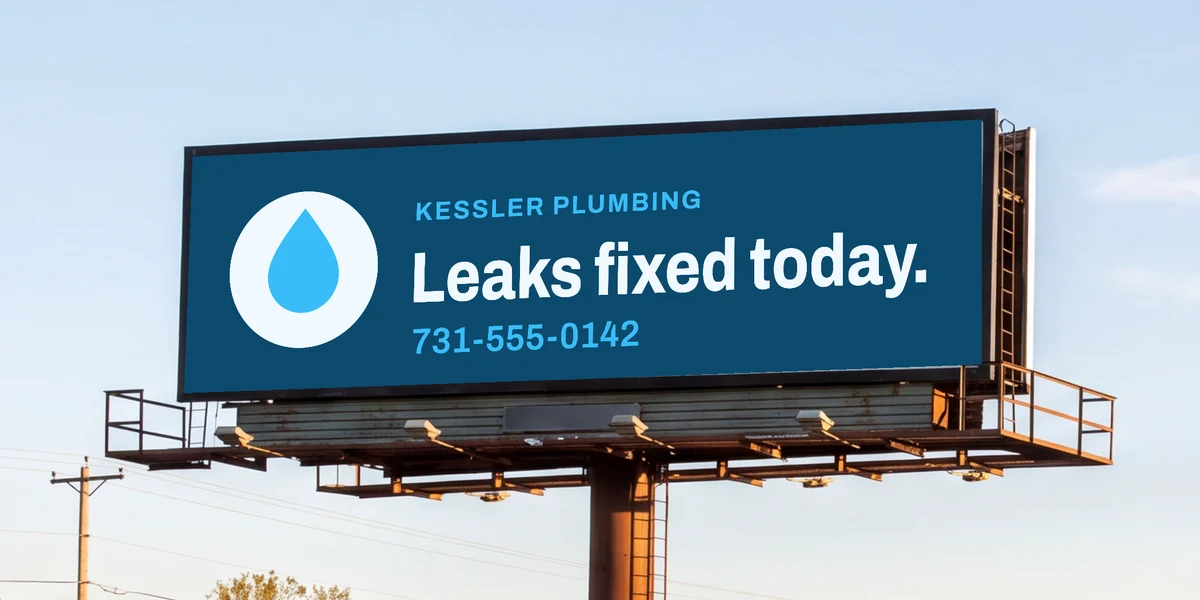
Start from their website.
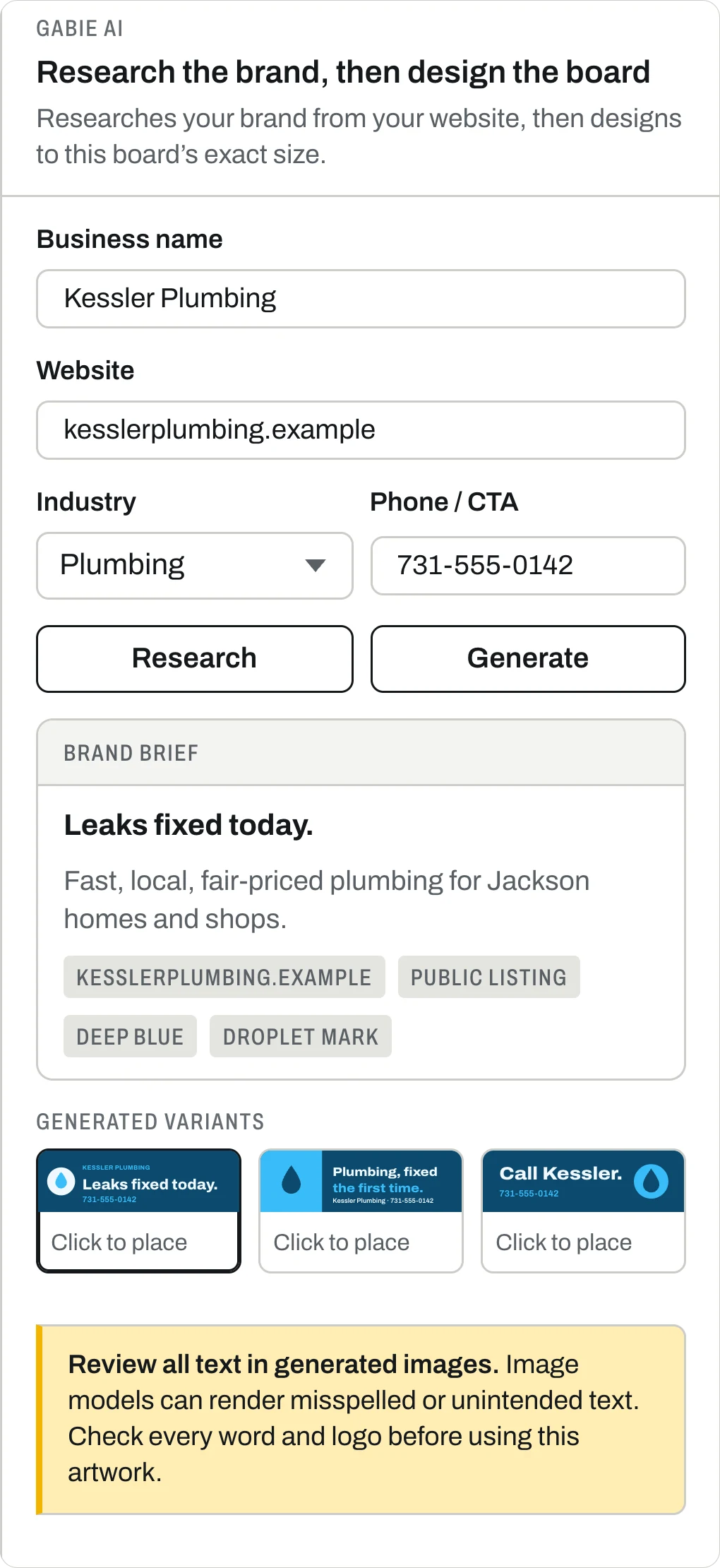
No brand guide to chase. Gabie reads the site for its colors, fonts and logo. It also researches the business for the brief.
- Colors
- Ranked by how often the site uses them.
- Type
- Title and body fonts, with the files.
- Logo
- From the header, recolored white, black, gray and brand.
- Brief
- Their pitch and their audience, with the sources linked.
Website
kesslerplumbing.exampleLogo · from the header
White
Black
#1C1917
#38BDF8
Colors · ranked by use
- #0C4A6EBackground×7
- #F0F9FFText×5
- #38BDF8Primary×4
- #BAE6FDText×3
- #0F172AText×2
Type · Google Fonts, files downloaded
Leaks fixed today.
Archivo · title · 600, 800
Same-day plumbing for Jackson homes and shops since 1998.
Source Sans 3 · body · 400, 600
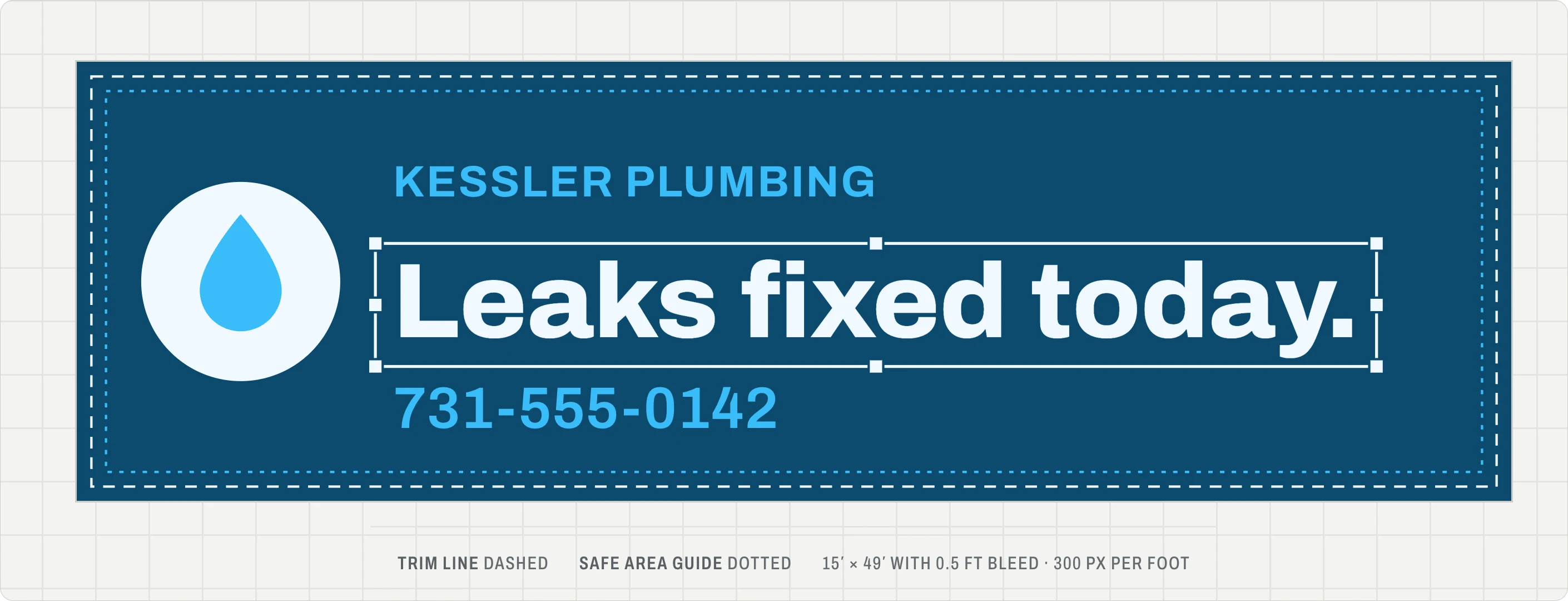
The board at its exact size.
300 pixels a foot, with a six-inch bleed. The trim line and safe area are drawn on the canvas. Nothing gets resized at the printer.
- Two concepts
- Drafted with only the words you typed. Upscale the pick to 4K.
- Refine by asking
- Type what to change, and Gabie redraws the concept.
- A real editor
- Text, shapes, layers, alignment, undo and shortcuts.
- Export
- A full-size PNG with bleed, and a one-page review PDF.
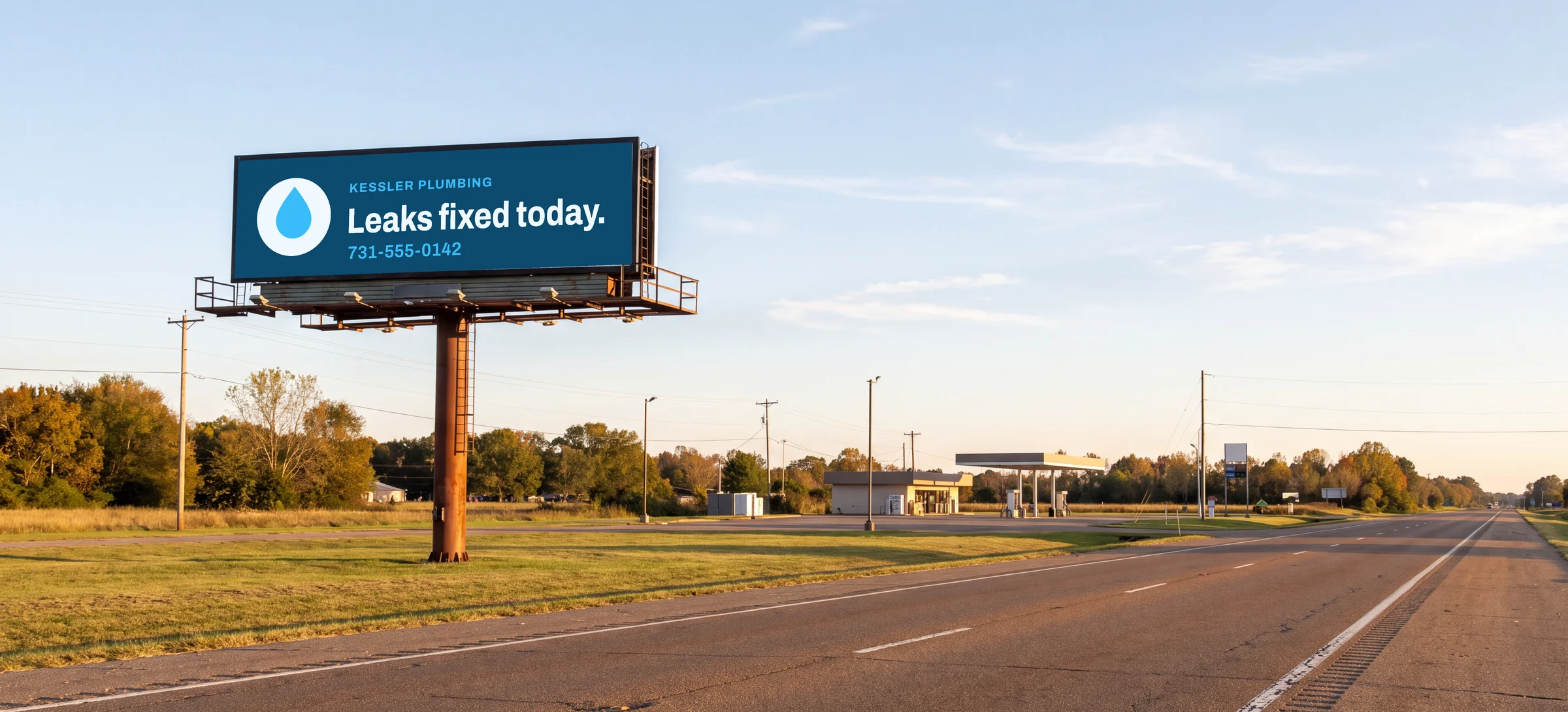
Show it where drivers will see it.
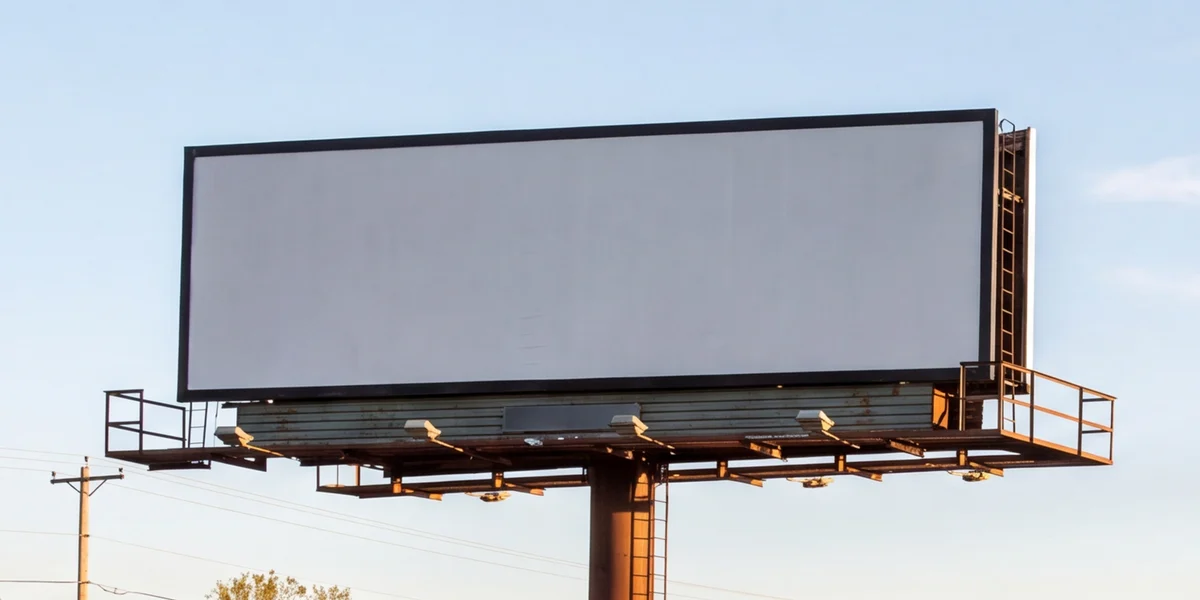
Mark a face’s four corners on a photo once. Each design after that lands on it at the right angle. It keeps the photo’s full resolution.
- Once per face
- The corners are saved with the face.
- Fit check
- Warns before a design is cropped, padded or stretched.
Checked, then one version approved.
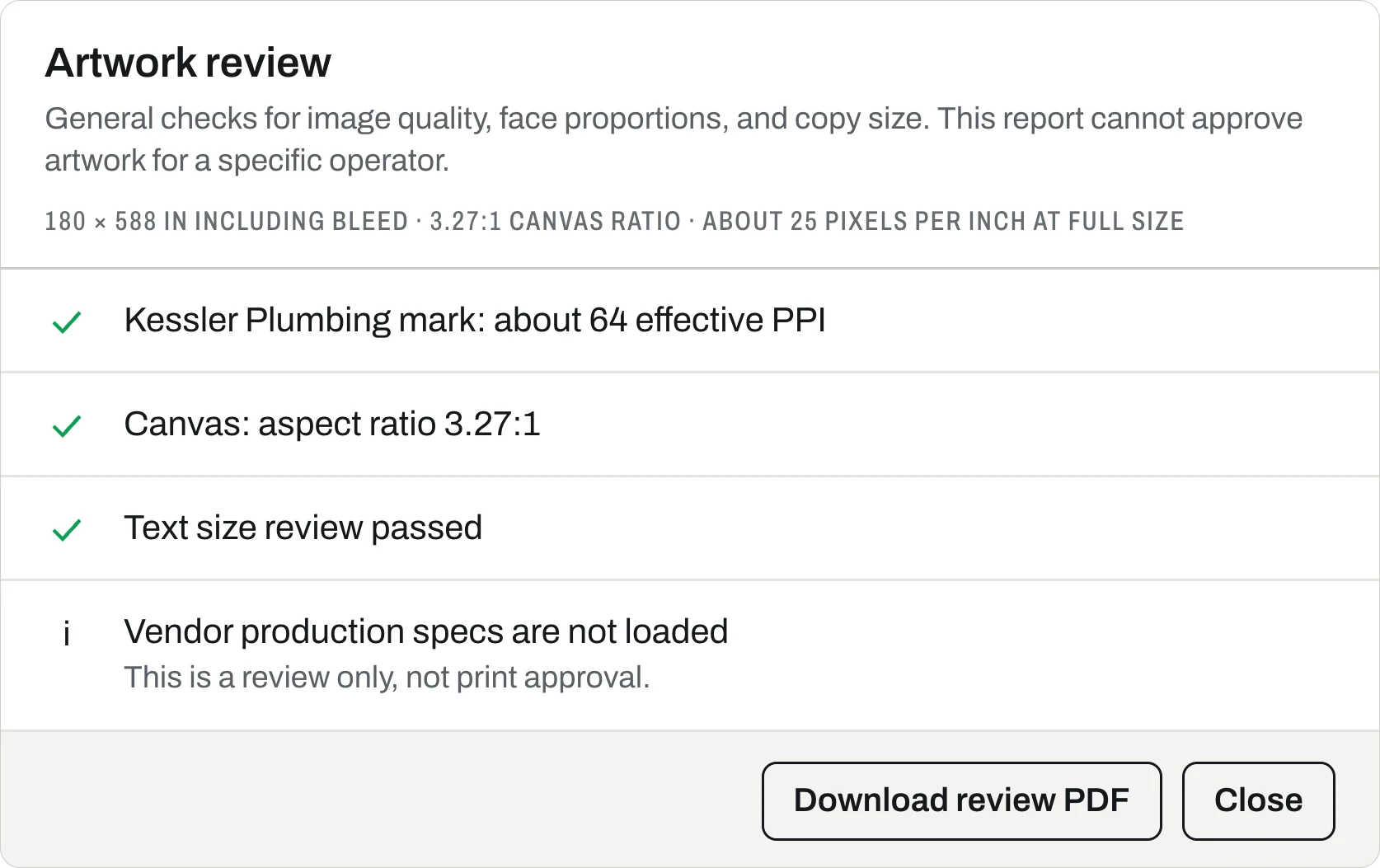
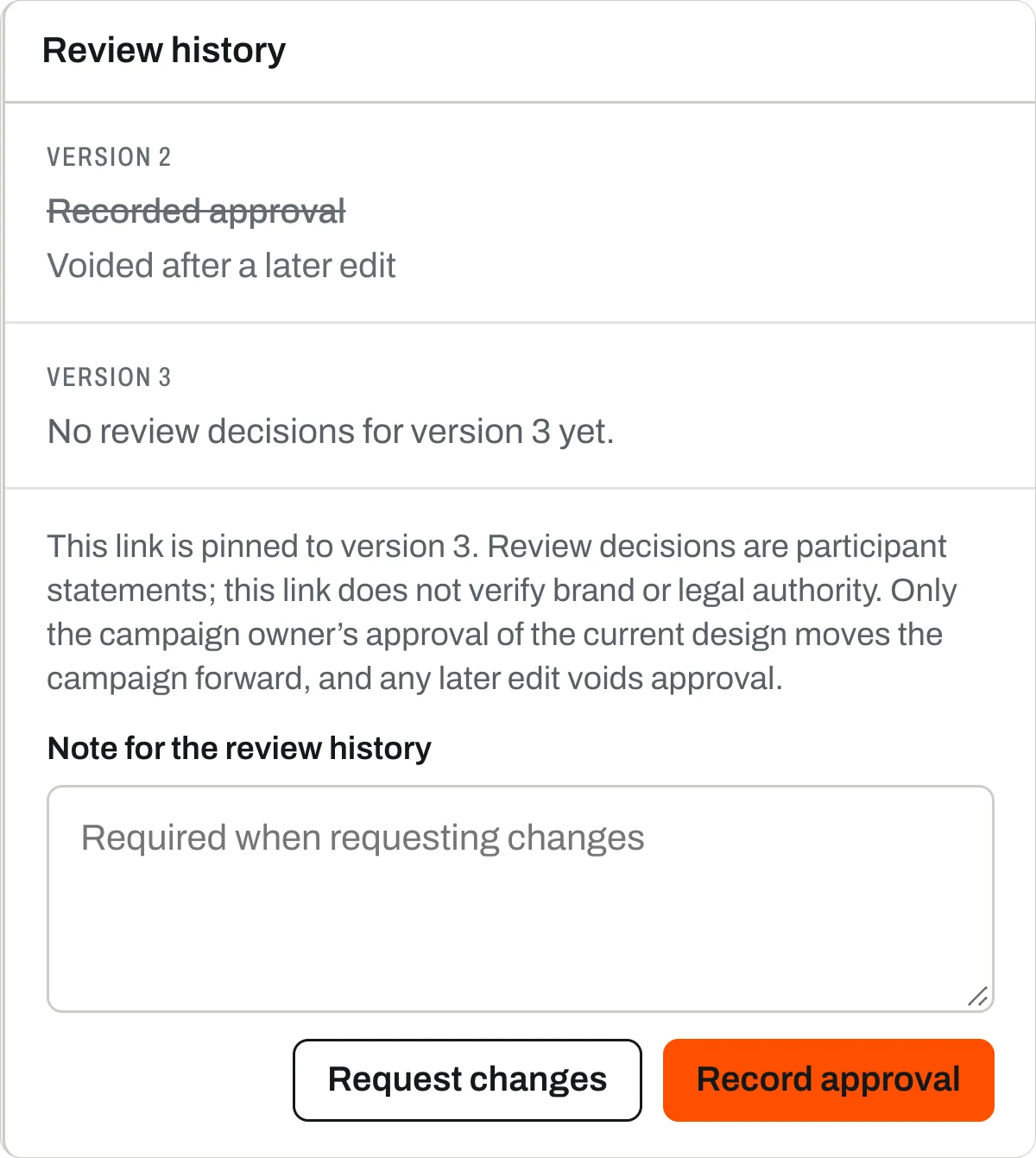
Studio checks the art and the words against the face. The link it sends is pinned to one version. Any later edit voids the yes.
- Resolution
- Flags images under 25 pixels an inch at full size.
- Copy
- Flags text under an inch tall and more than eight words.
- One version
- Comments, and changes need a note.
- Edits void it
- Change the design after a yes, and you need a new yes.
Where it sits
Between the signature and the printer.
Artwork comes after the contract is signed. Download the approved file for your printer. Log the printer and due date as a work order. Then add the posting photo to the booking.
Sell the face. Find a buyer and sign the deal.
Run the ad. Put it up, prove it ran, and renew.
What to know
Read every word
Studio gives the AI only the words you typed. It can still misspell or add some, so check them all.
Not print approval
The review is only advice. Your vendor’s specs still rule.
Advertisers can start it
In Portal, “See your ad here” drafts a business’s board for that face. They open it in Studio to finish.
Digital faces
They ask the operator for file specs. They don’t open a canvas.
Questions we hear
Does Studio replace our production vendor?
No. Studio is where designs are made and reviewed. The artwork review is only advice. It says your vendor’s specs aren’t loaded. It can’t approve art for an operator, either.
What does the artwork review check?
It checks image resolution at full size. It also checks the face’s shape and text size, in general terms. It’s a review, not print approval.
Can an advertiser approve a design?
They can open a link pinned to one version. There they approve it or ask for changes, with comments. A later edit voids the approval. Only the campaign owner’s yes moves the campaign ahead.
Does it work for digital faces?
Digital faces ask for specs. They don’t open a canvas.
Can I trust the AI-generated art?
Read every word before you use it. Studio reminds you that image models can misspell words or add text you didn’t ask for.
Where to look next
Bring a brand and a board.
Book thirty minutes and watch. We take a real business’s website to an approved design on one of your faces.